Journey-led kiosk design
Flows designed for the task customers actually need to complete.
CUSTOMER EXPERIENCE
Interactive kiosks support information, ordering, registration, product discovery and assisted service across retail and customer-care environments.
SHELTER designs kiosks around the journey: what the customer needs to complete, how staff intervene, and how the device connects to back-end systems.
Hardware, UI logic, accessibility and serviceability are treated as one solution.
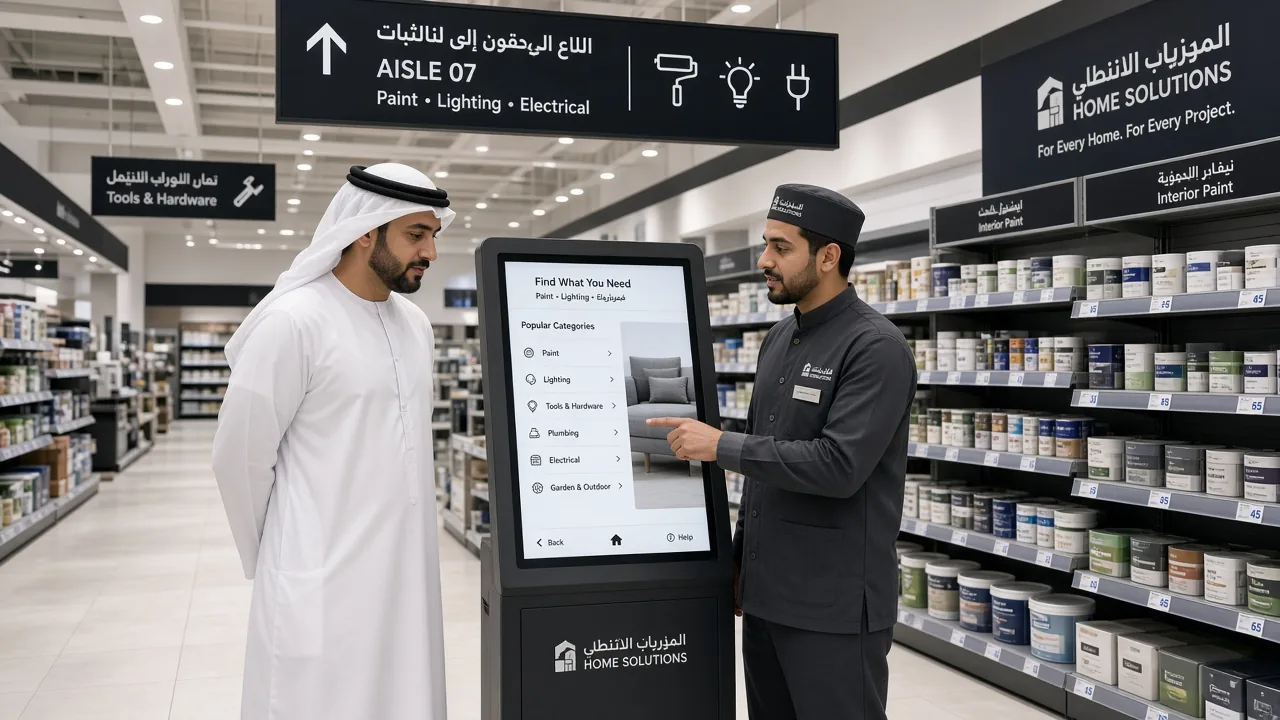
Flows designed for the task customers actually need to complete.
Screen, printer, scanner, payment or accessibility options selected by use case.
Connections to catalogues, ticketing, CRM or service platforms where required.
Location and enclosure planning that fits traffic and staff visibility.
Clarify the customer job, staff role and success criteria.
Define interface steps, peripherals and system dependencies.
Supply, configure, place and commission devices in context.
Train teams and refine the flow based on real usage.
Core flows can be standardised, with local content or service options adapted by format and market.
Resilience depends on the use case. We define online requirements and fallback behaviour during design.
Yes. Interface structure is part of making the kiosk operationally useful, not only visually present.
Height, contrast, input methods and clear language are considered in hardware and flow design.
Open the chat to describe your store, technology need or support request. The AI asks for name, company, email, country, project type and the rest — one question at a time — then sends the brief to SHELTER.

Tell us what you need to open, transform or connect. We will help define the scope, priorities and next step.